
The Fenritec Alpha iPhone / iPad app does not yet support the Address Book or Calendar features directly.
You must therefore use the Apple features with an API Key instead of your traditional username / password.
Step 1 - Go to the API Key options
Go to your login page https://login.fenritec.eu
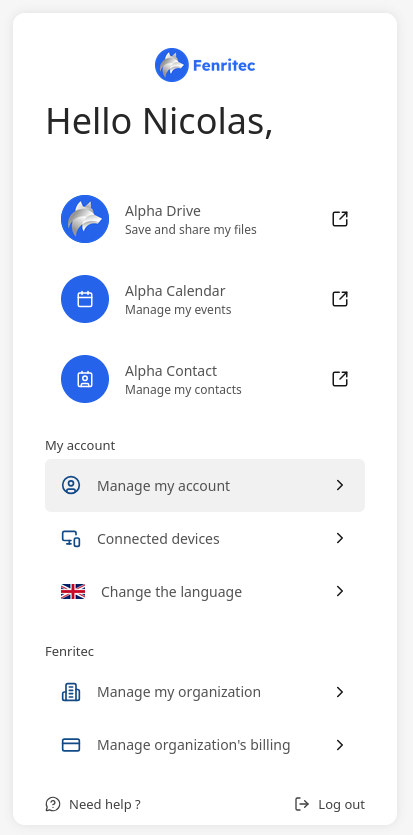
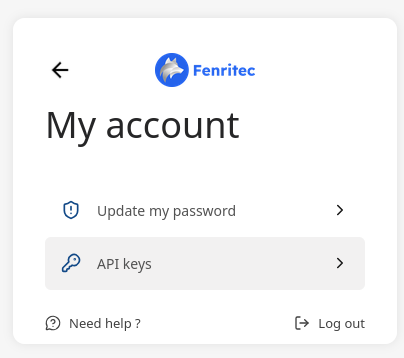
Click on manage my account then API Keys.
Step 2 - Create your API Key
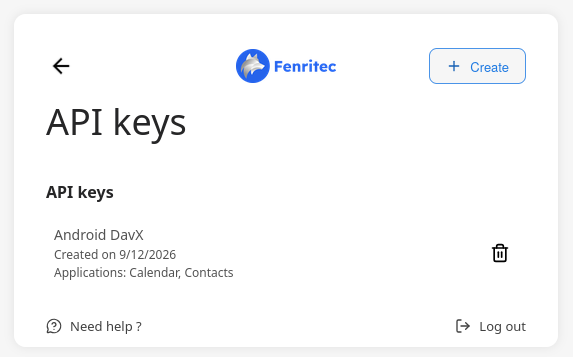
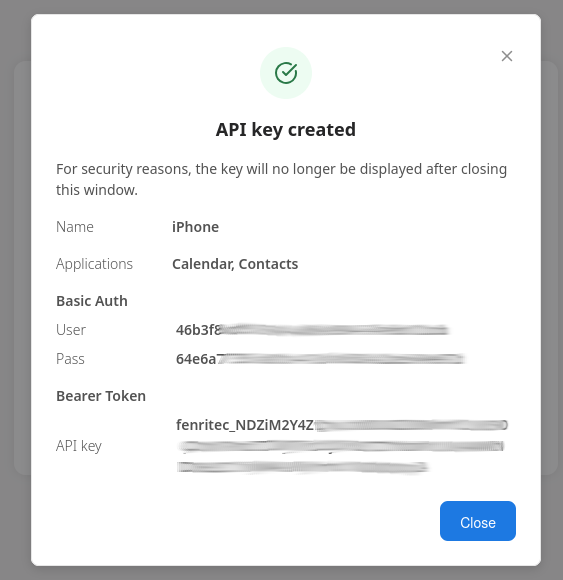
To create your apiKey you need to click on the button Create
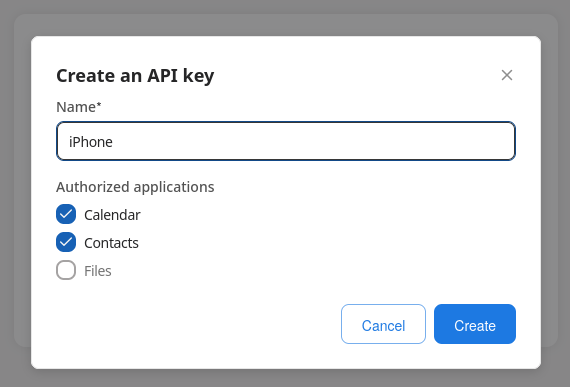
In the name, put a description like iPhone / iPad and check calendar and contacts.
Then note the username and password.
Step 3 - Access Settings
Go to the Settings on your iPhone or iPad.
Step 4 - Tap on Calendar
Tap on Calendar.
Step 5 - Tap on Accounts
Tap on Accounts.
Step 6 - Tap on Add Account
Tap on Add Account.
Step 7 - Tap on Other
Tap Other.
Step 8 - Tap on Add CalDAV Account
Under Calendars, tap on Add CalDAV Account.
Step 9 - Enter the server settings
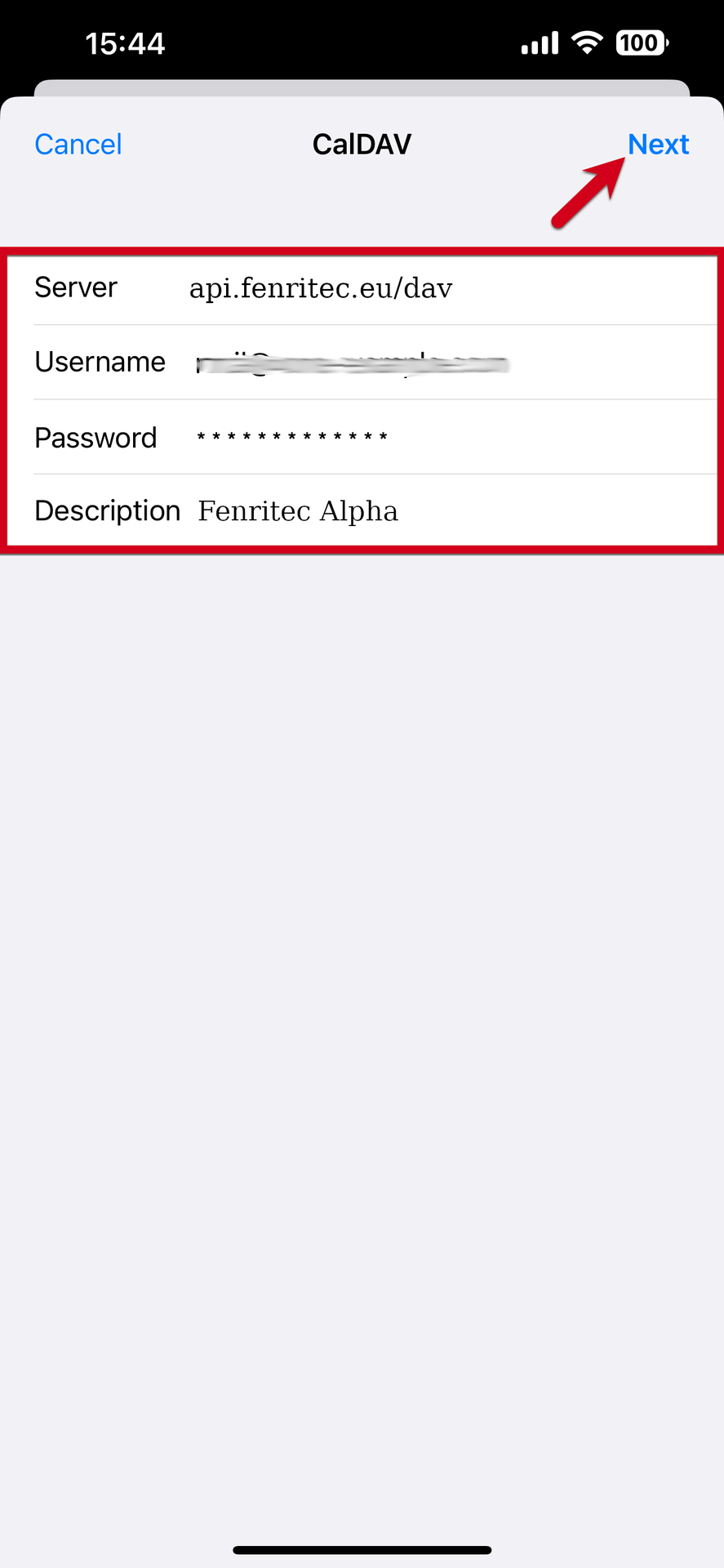
Enter the following details for your account and press Next:
Server : api.fenritec.eu/dav
Username : The username of the api key
Password : The password of the api key
Description : Give it a name to make it easier to recognise.
Step 10 - Press Save
Press Save in the top right corner.
Step 11 - Do the same for the contacts
You need to repeat the method by pressing "Add a CardDAV account" for the address books.
That's it! Your CalDAV account will now start syncing with your iPhone or iPad.